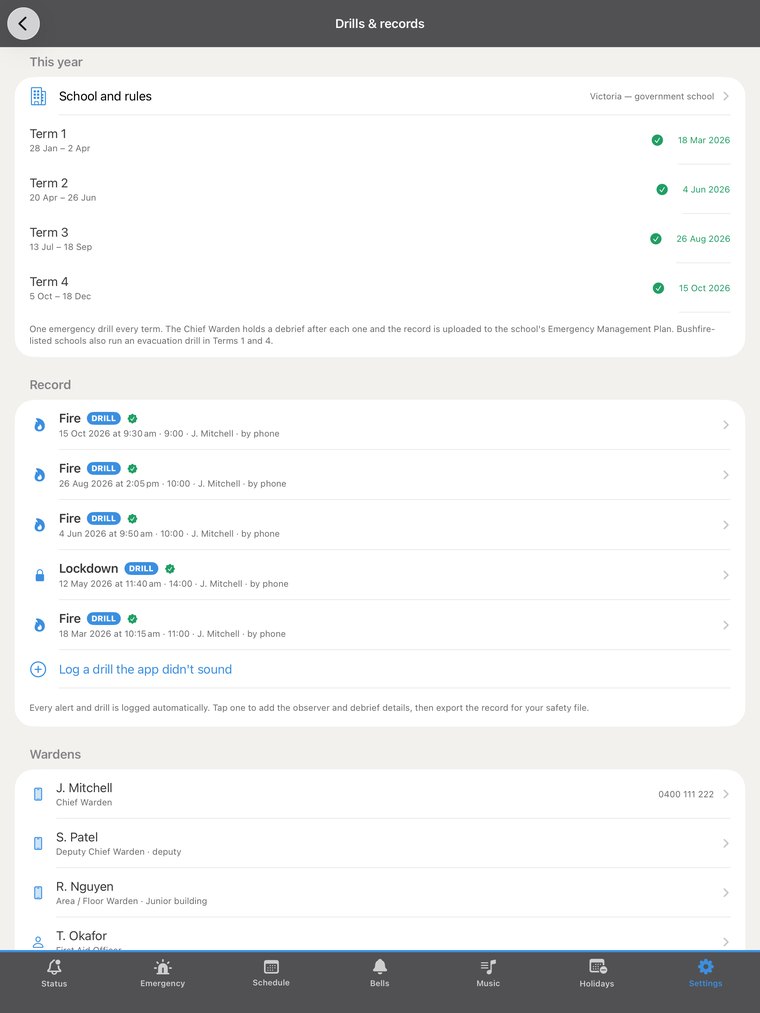
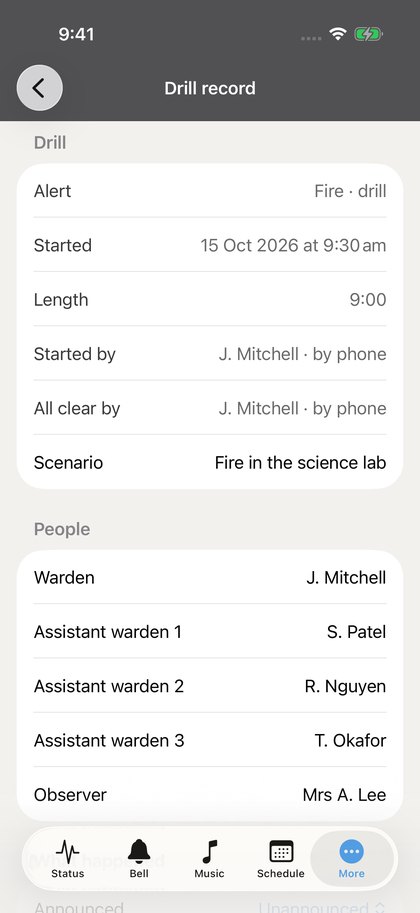
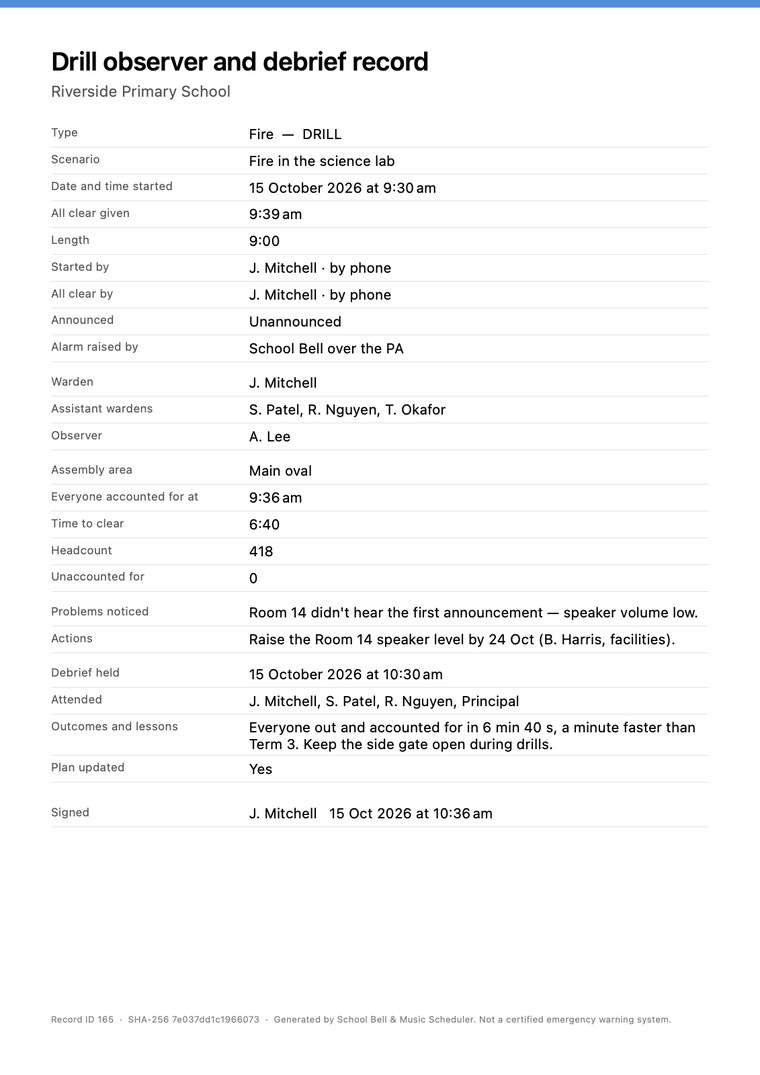
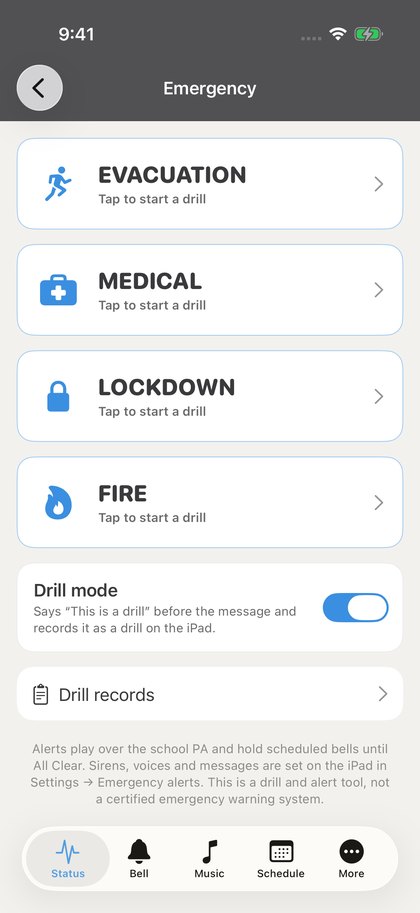
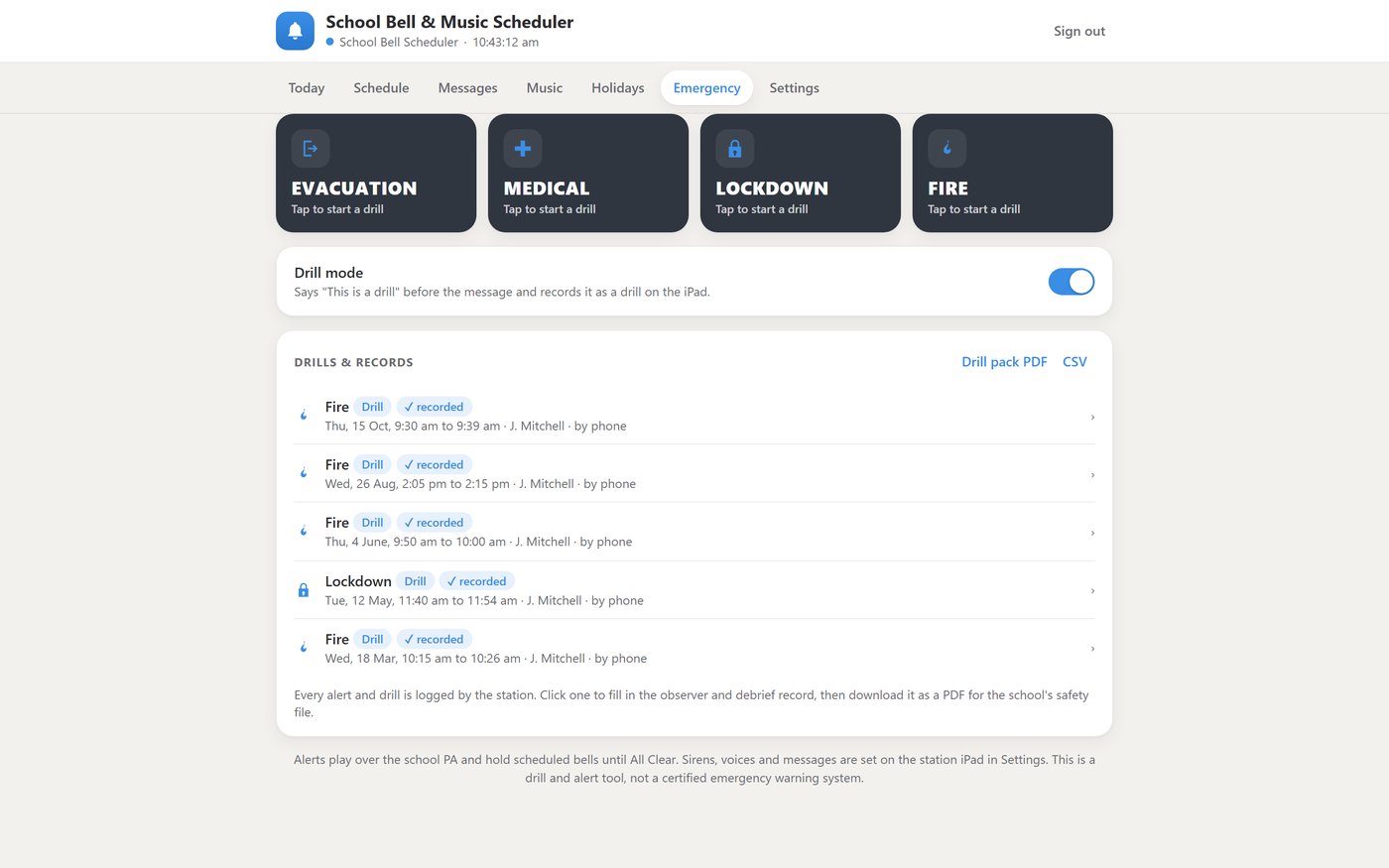
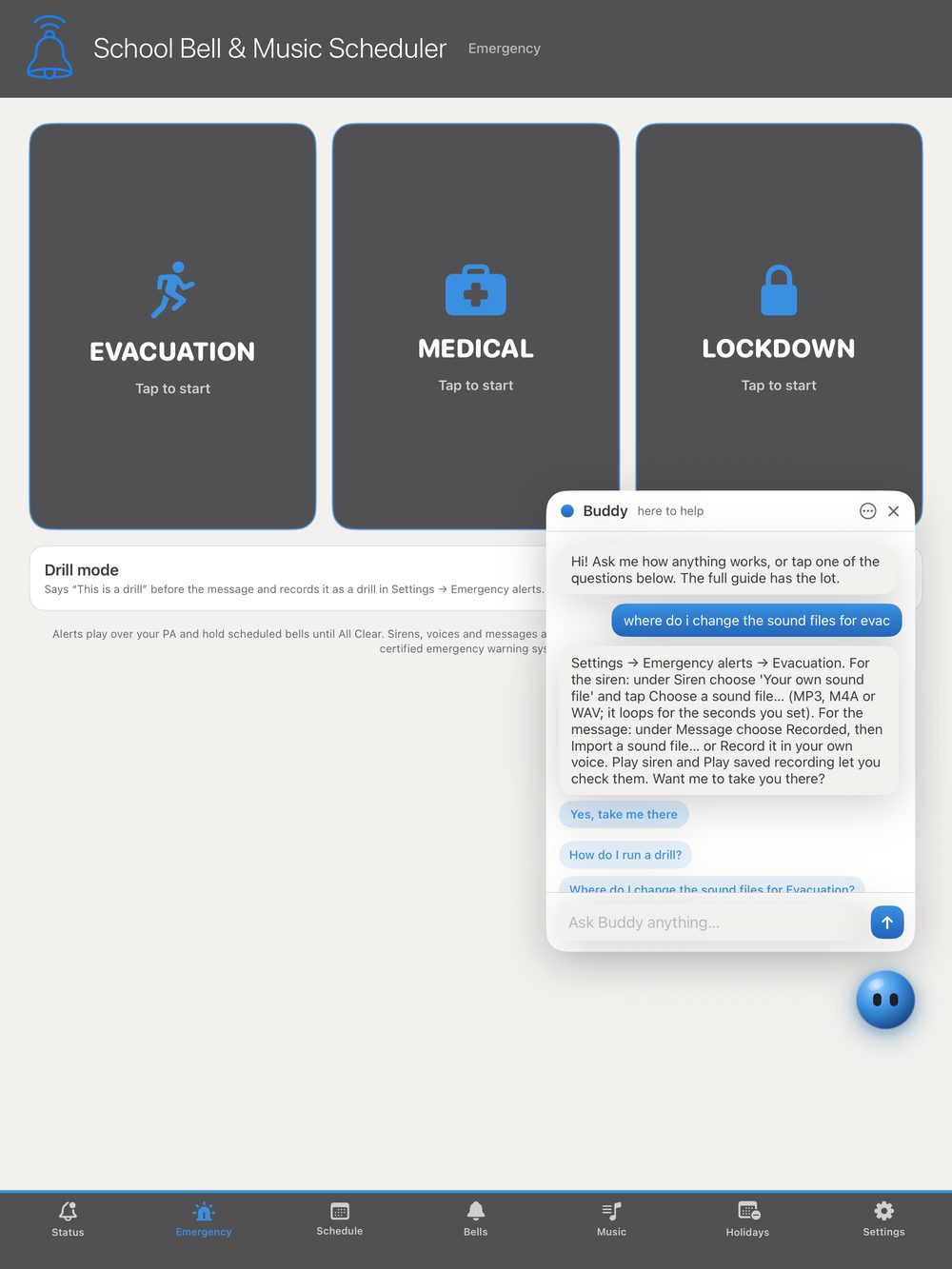
Every drill, on record — automaticallyEvery fire drill, evacuation and lockdown is logged with the date, the time, how long it ran, who started it and who gave the All Clear. The warden who ran the drill from their phone goes straight on the record as the Warden.
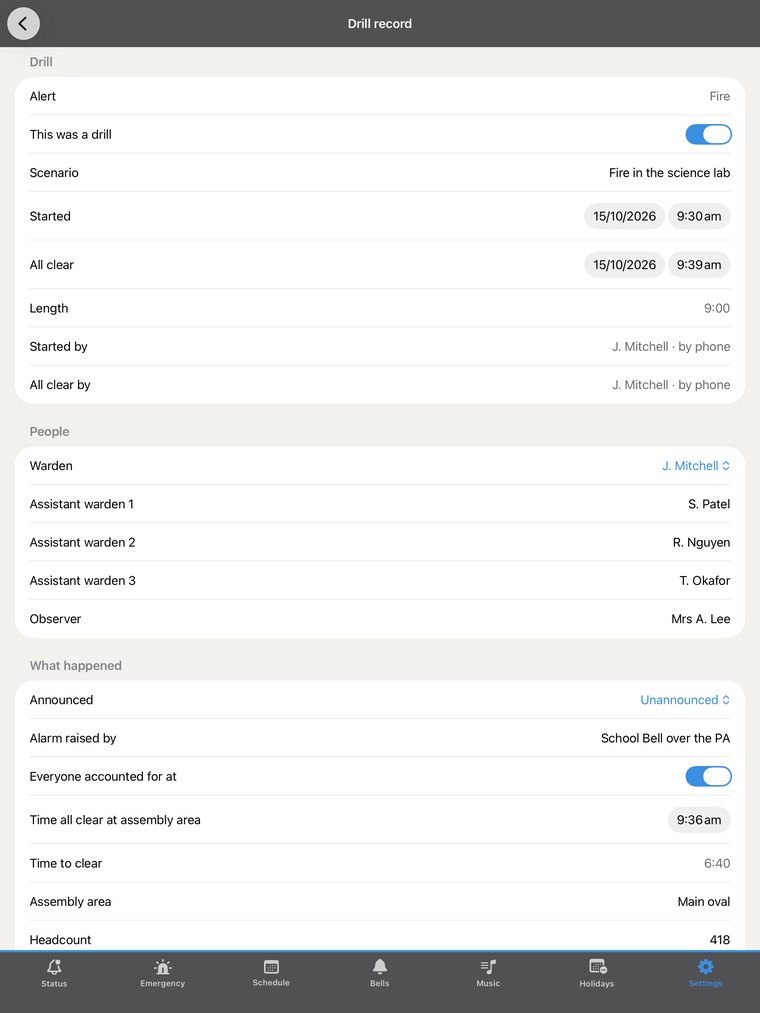
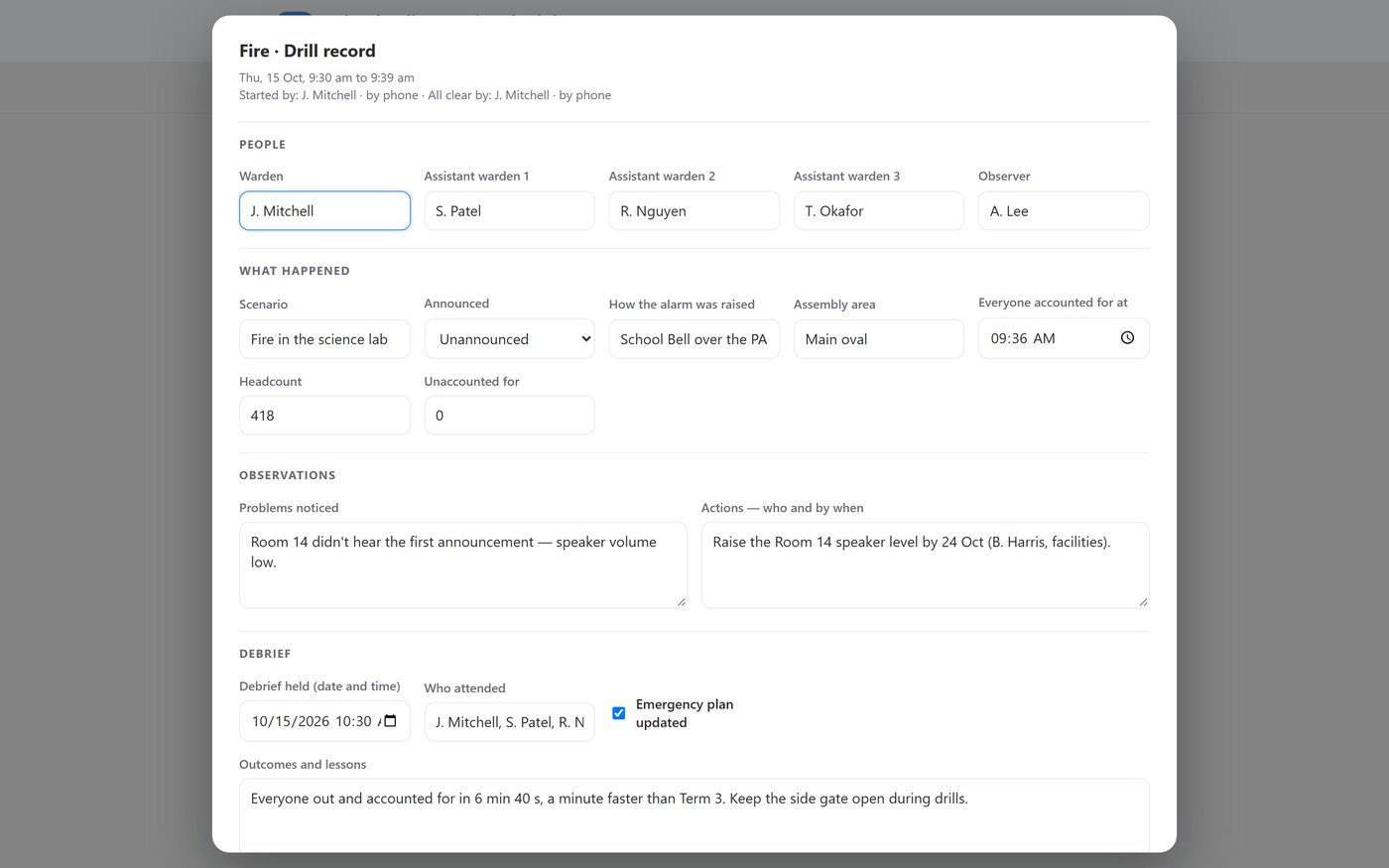
The whole observer and debrief recordWarden and up to three assistant wardens, the observer, the scenario, announced or unannounced, how the alarm was raised, the assembly area, the headcount, anyone unaccounted for, the time to clear, problems noticed, actions with who and by when, the debrief and the sign-off.
Filled in from the yard — even if the iPad doesn't make itWardens fill in and send the record from their iPhone. The phone keeps its own copy of every record and syncs it back to the iPad when it's reachable — so a real fire that takes the office with it doesn't take the paperwork too. The office can do it from the browser page as well.
One PDF for the safety fileExport a single drill record, or the whole year's drill pack — the term schedule plus one observer and debrief record per drill — as a PDF. A spreadsheet export is there too. Records are never deleted by the app.
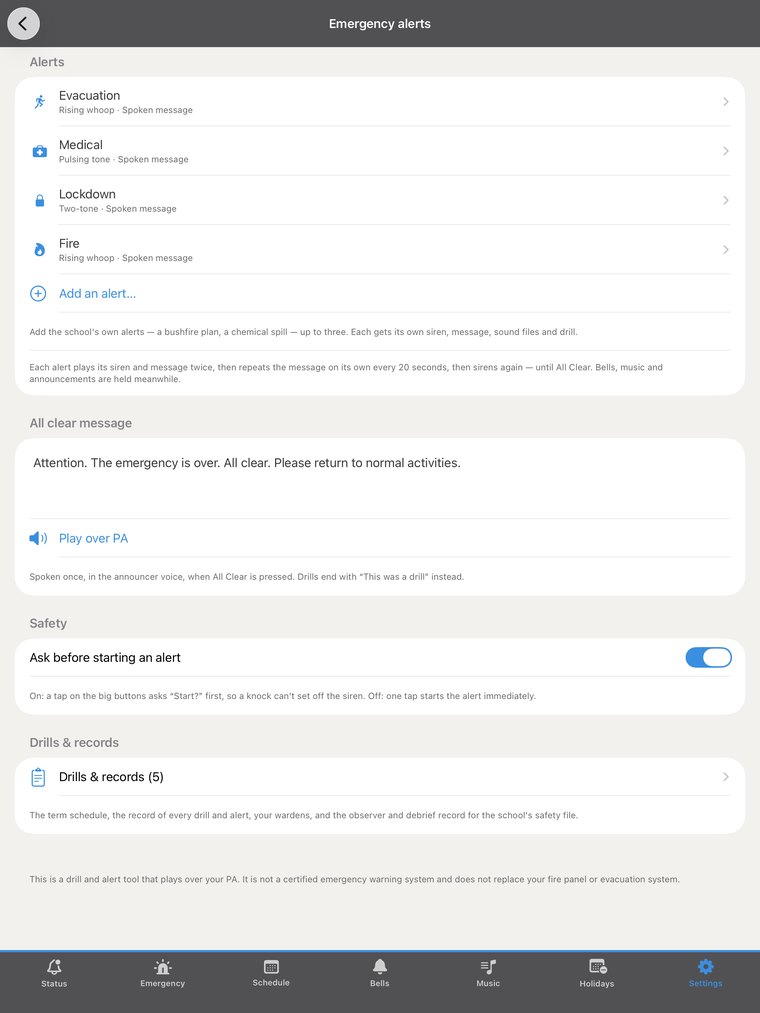
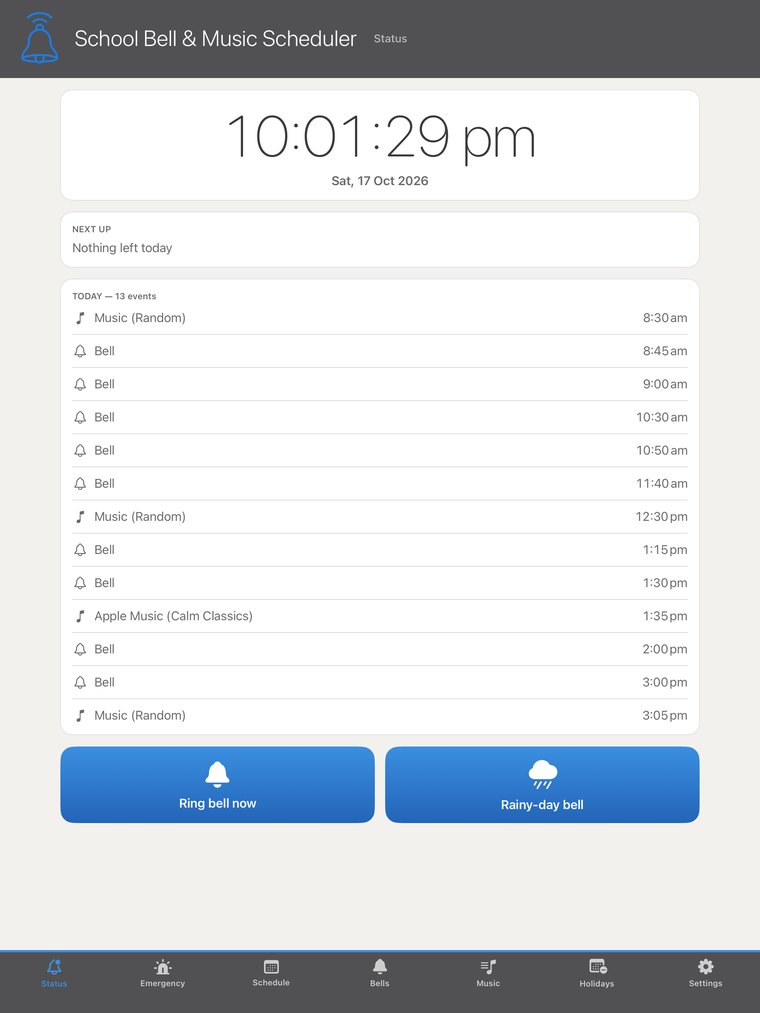
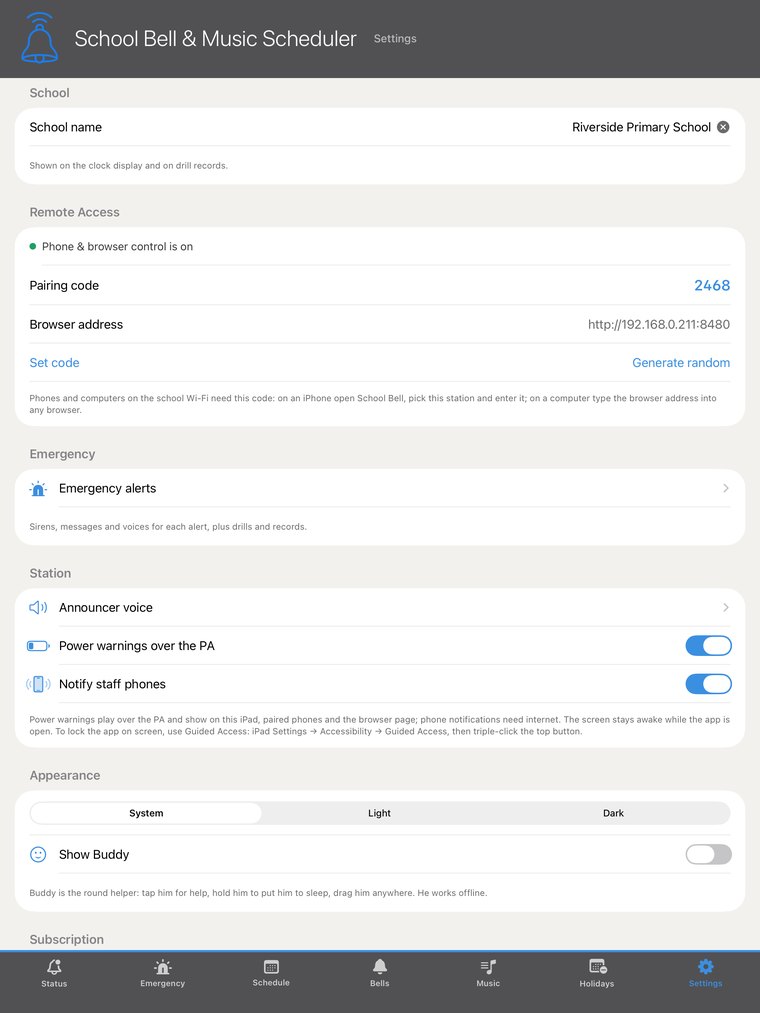
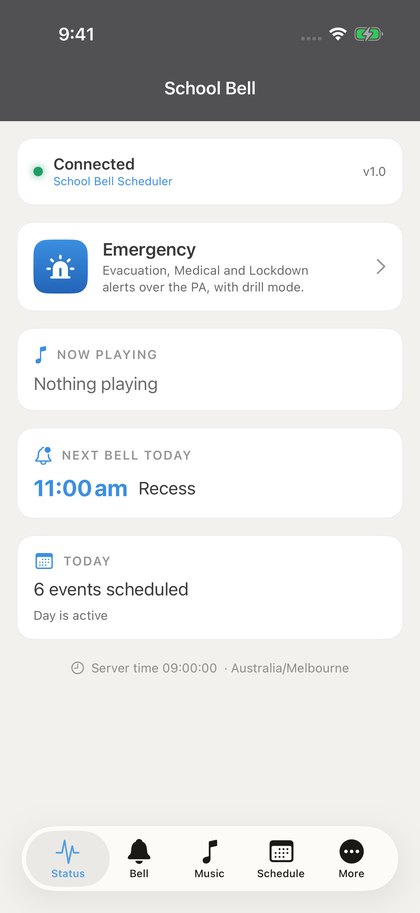
Term reminders, without the clutterSet your terms — four terms, three, or two semesters — and the Status screen shows one quiet line in the last two weeks of a term if that term's drill hasn't been done. Everything else lives in one place: Settings → Emergency alerts → Drills & records.
Built around the rulesDesigned around AS 3745-2010 and the Victorian Department of Education's emergency management policy — a drill every term, a Chief Warden debrief, and Term 1 and Term 4 evacuation drills for bushfire-listed schools — with settings for other Australian states, early learning and schools outside Australia.
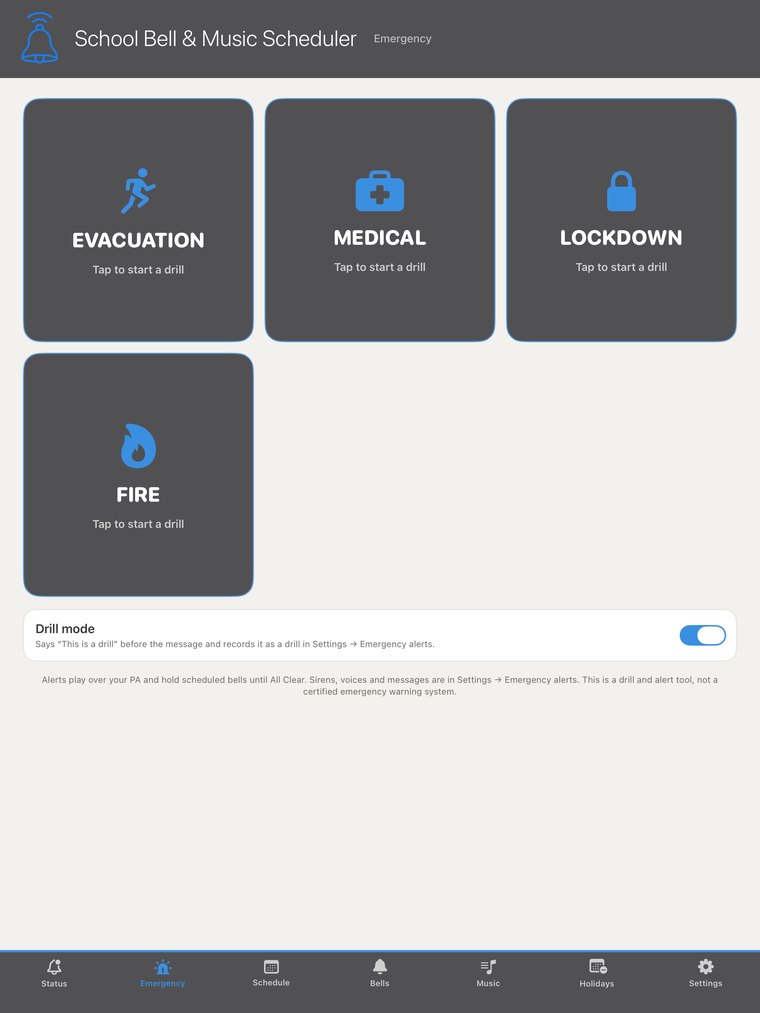
School Bell keeps the record; your school still plans and runs its own emergency procedures. Fire is added as one of the school's own alerts, with its own siren and message. A drill and alert tool that plays over your existing speakers — not a certified emergency warning system.